Warehouse Transfers
Move stock between warehouses with dispatch, in-transit tracking, and receive.
Overview
A warehouse transfer moves stock from one warehouse to another. It carries a generated transfer reference, an origin and destination warehouse, and per-line requested/sent/received quantities. While the transfer is in transit, stock remains on the origin ledger and is held out of origin availability by a positive demand. A paired negative demand registers expected inbound supply at the destination from the planned arrival date. Ledger TransferOut / TransferIn still post only on receipt.
The draft builder also records planned departure and arrival dates, an operational reason, a logistics note, internal notes, and configured custom fields. Each catalogue item appears once: loose stock carries one aggregate quantity backed by one or more origin inventory rows, while a barcoded line records its selected serials as child picks.
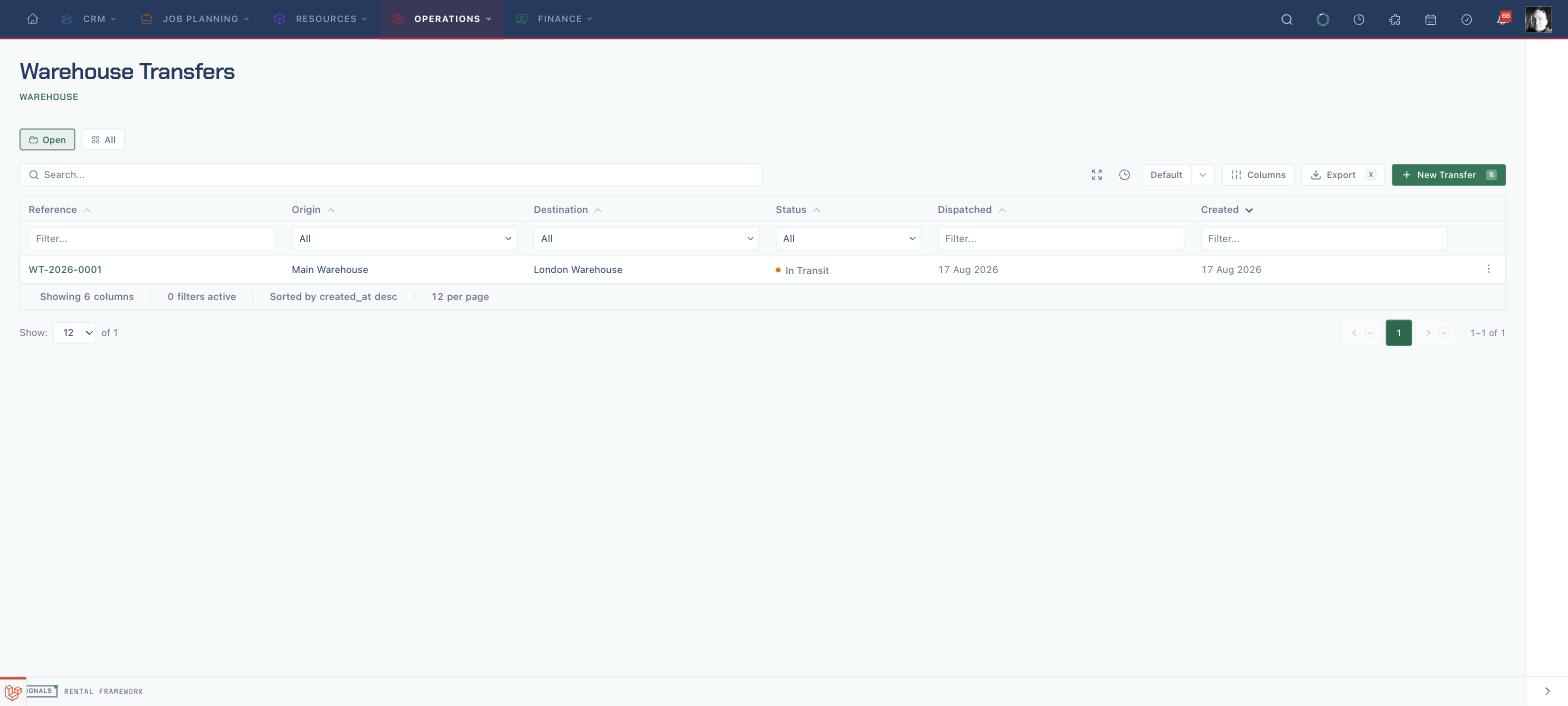
Warehouse transfer UI routes:
| Route | Purpose |
|---|---|
/warehouse-transfers |
Transfer index |
/warehouse-transfers/create |
Create a draft transfer |
/warehouse-transfers/{warehouseTransfer} |
Detail — lines, dispatch, receive, audit timeline |
/warehouse-transfers/{warehouseTransfer}/edit |
Edit a draft transfer |
Lifecycle
draft → in transit → received
- Dispatch records
quantity_sent, creates origin demand, and registers the same remaining quantity as signed inbound supply at the destination. Stock stays on the origin ledger; noTransferOutis posted yet. Barcoded assets remain at the origin under the demand hold. - Receive (line-level) posts
TransferOutat the origin andTransferInat the destination (creating the destination asset if it does not exist), then shrinks both availability rows by the received quantity. This replaces promised supply with physical stock one-for-one. Barcoded assets have theirwarehouse_idmoved to the destination. - A transfer stays in transit until every line is fully received, then its status becomes received.
If a picked serial enters repair mid-transit, its origin demand and its share of destination inbound supply are both void until the repair clears. This prevents unavailable stock being promised at either warehouse.
Receiving is line-level, so partial receipts are supported. Loose-stock lines accept a quantity. Barcoded lines expose an unreceived-serial selector on the detail page, and the transfer scan context uses the same receive seam when the destination team identifies each serial by label.
Draft builder and impact preview
The create and edit routes share the same builder. Existing drafts lock the origin because every pick belongs to it; on create, swapping or changing an origin with picked lines first warns that those lines will be cleared. Catalogue item search excludes retired stock and marks units under active repair as unavailable before selection. New quantity edits are bounded by current origin stock, while a stored draft quantity is preserved verbatim if stock later drops and the affected line shows a blocking warning until it is reduced, repicked, or removed. Barcoded items use a per-serial picker rather than separate transfer lines, and dispatch refuses every line whose physical picks no longer cover its requested quantity.
Every line previews held stock before and after at both warehouses. The preview distinguishes pre-existing origin shortages from shortages created by the move and identifies open destination shortages it resolves. Request dispatch always repeats that preview and asks for confirmation; the confirmation states how many lines create or worsen origin shortage risk.
When a risk line can be supplied safely by another warehouse, the builder offers that warehouse with its held, upcoming-demand, and surplus calculation. Accepting the suggestion moves the line into a separate draft with its own origin and generated reference. The new draft links back to the source transfer, and the source detail page lists its sibling drafts.
Cancelling
- Enquiry transfers cancel with no stock movement and no demand.
- In-transit transfers cancel by voiding origin demand and destination inbound supply. Stock never left the origin ledger, so no compensating ledger entry is posted.
- Received or already-cancelled transfers cannot be cancelled.
Visibility & access
Transfers use either-warehouse visibility — a user who can access the origin or the destination can see the transfer. Dispatch is gated to origin access and receive to destination access.
Shortage resolution
When a shortage is resolved by moving stock from another warehouse, the shortage resolver creates a real draft warehouse transfer for you, ready to dispatch. See Shortages.
Permissions
| Permission | Grants |
|---|---|
warehouse_transfers.view |
See transfers |
warehouse_transfers.create / .update |
Create and edit drafts |
warehouse_transfers.dispatch |
Dispatch from the origin |
warehouse_transfers.receive |
Receive at the destination |
warehouse_transfers.delete |
Cancel a transfer |
API
See the Warehouse Transfers API for the REST surface, including dispatch, receive, and line-receive routes.