Sharing a Report
Share a report definition, schedule deliveries, and create or revoke public snapshot links.
Share and deliver
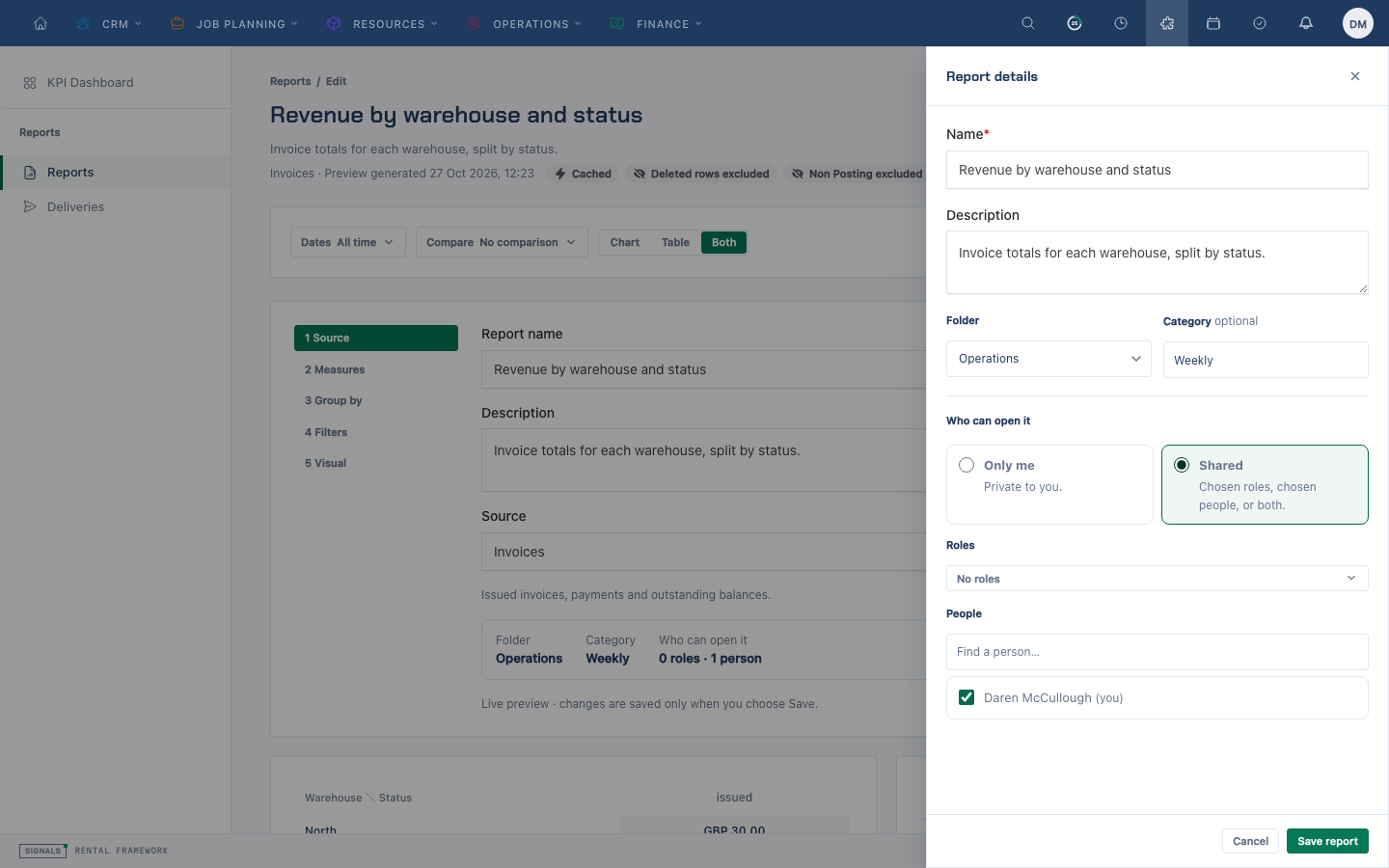
- Open a saved report and choose Share & deliver. The Share section shows who can open the definition and lets you copy its internal link. To change the audience, choose Change who can open it to open the save sheet. Select Only me for a personal report, or Shared and choose roles, individual people, or both. Choose the intended audience, then save. Each signed-in viewer sees only data allowed by their own permissions.
- Under Deliveries, choose Add delivery and set its cadence, time, format, recipients and any alert thresholds. Save it, then use the controls to edit, pause, resume or remove it.
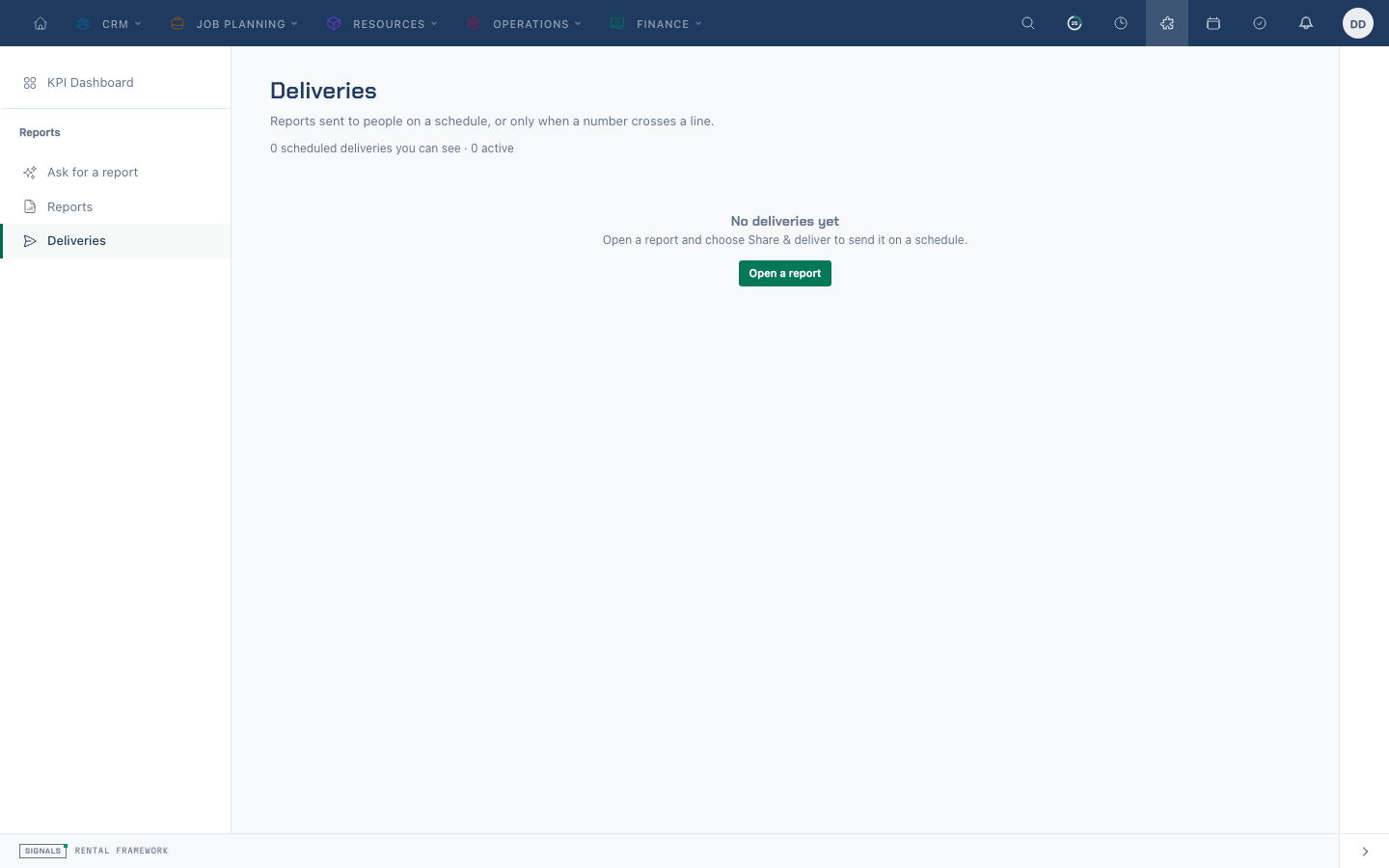
- Open Deliveries in the Reports sidebar to review deliveries across reports and boards, including next and last run times.
Internal recipients receive a result run with their own permissions. External email recipients receive the schedule owner's result; check the recipients before saving. Thresholds are evaluated on the owner's run and add an alert when breached; the normal delivery is still sent even if no threshold is breached.
Create a public snapshot link
- In Share & deliver, choose Create link under Public snapshot link. Creating one requires
reports.exportand access to the report and its source. - Choose an expiry and optionally set a PIN. The default is 30 days; the supported range is 1–90 days. The form offers 1, 7, 30 and 90 days.
- Create the link and copy it immediately: the URL is shown only once. Share the PIN separately.
- Return to the sheet to check the view count and last view, or Revoke a link to stop it working immediately.
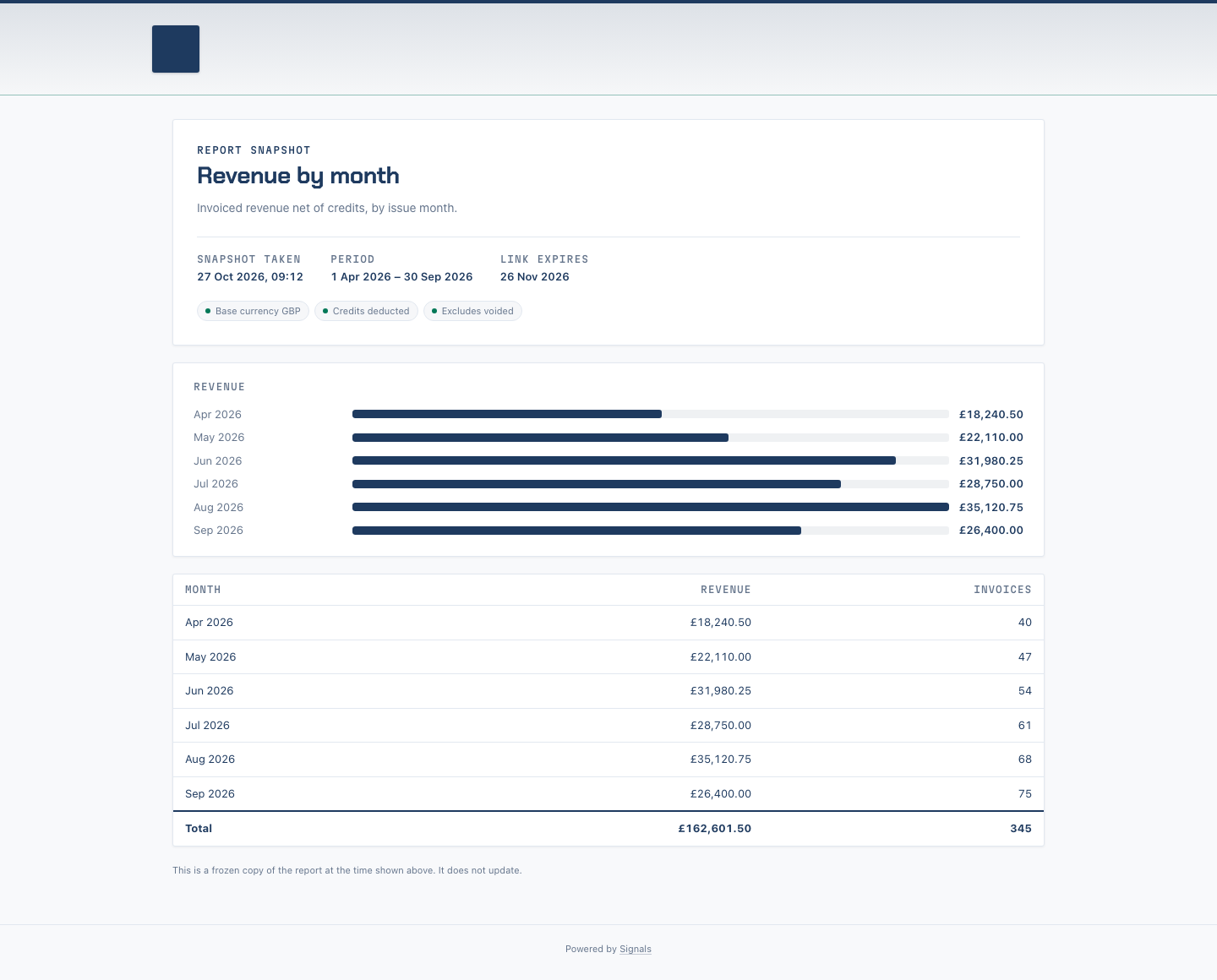
Anyone with the link can see the frozen snapshot without signing in, subject to its PIN if set. It contains the creator's result at creation time and does not update with live data. Expiry and revocation prevent later access.
Related
| Reference | Use it for |
|---|---|
| Reports Overview | Finding reports and deliveries |
| Reports | Delivery and snapshot behavior, permissions and API |