Reports Overview
Find the KPI dashboard, ask for a report, browse saved reports, and manage deliveries.
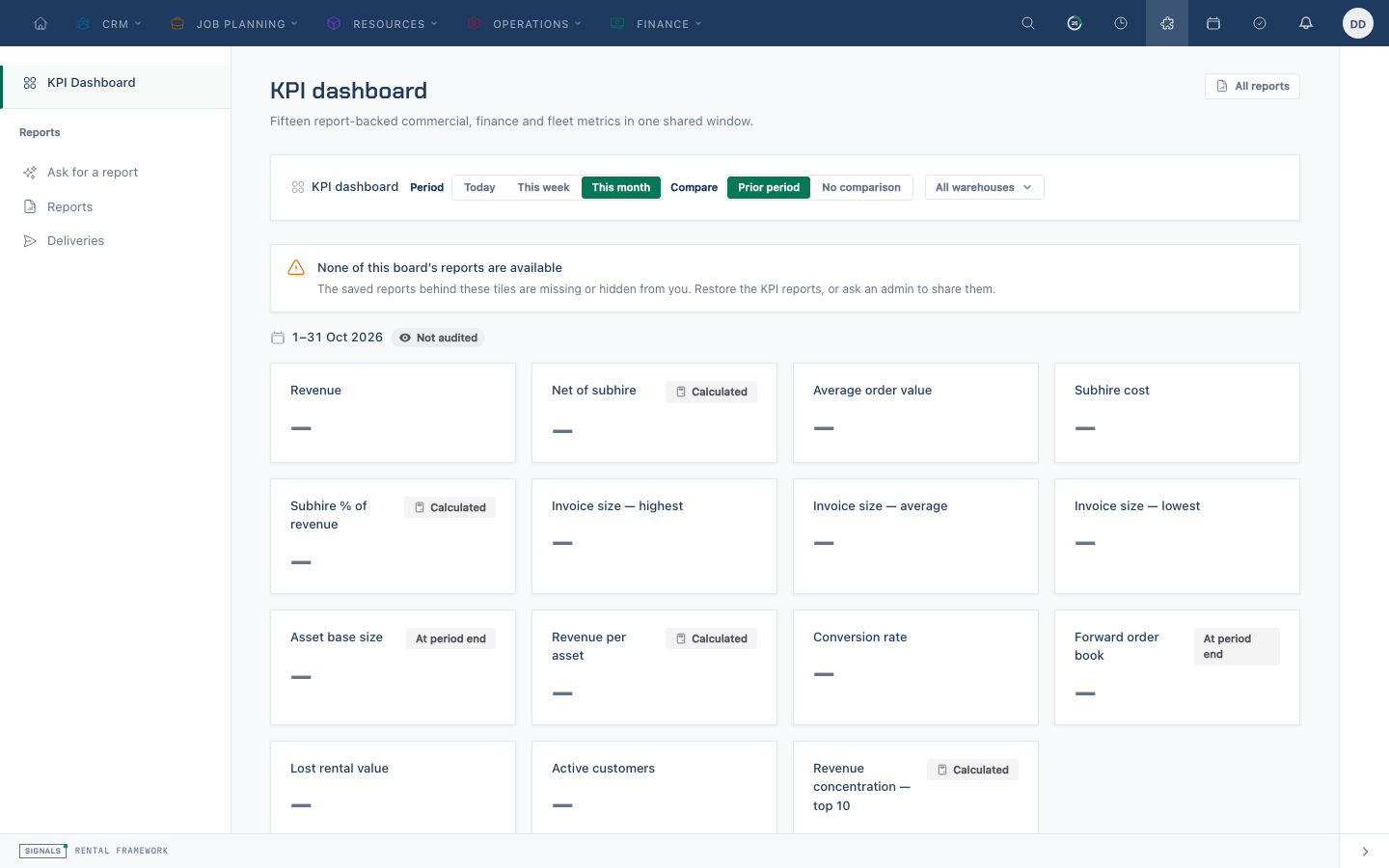
Choose where to start
- Open
/reportsfor KPI Dashboard. Choose a board, period, comparison and warehouse to read its tiles under one set of filters. Open a tile's report for the detail behind it. - Choose Ask for a report to draft a definition from a question, when your organisation has enabled it and your role permits it.
- Choose Reports for the saved report list at
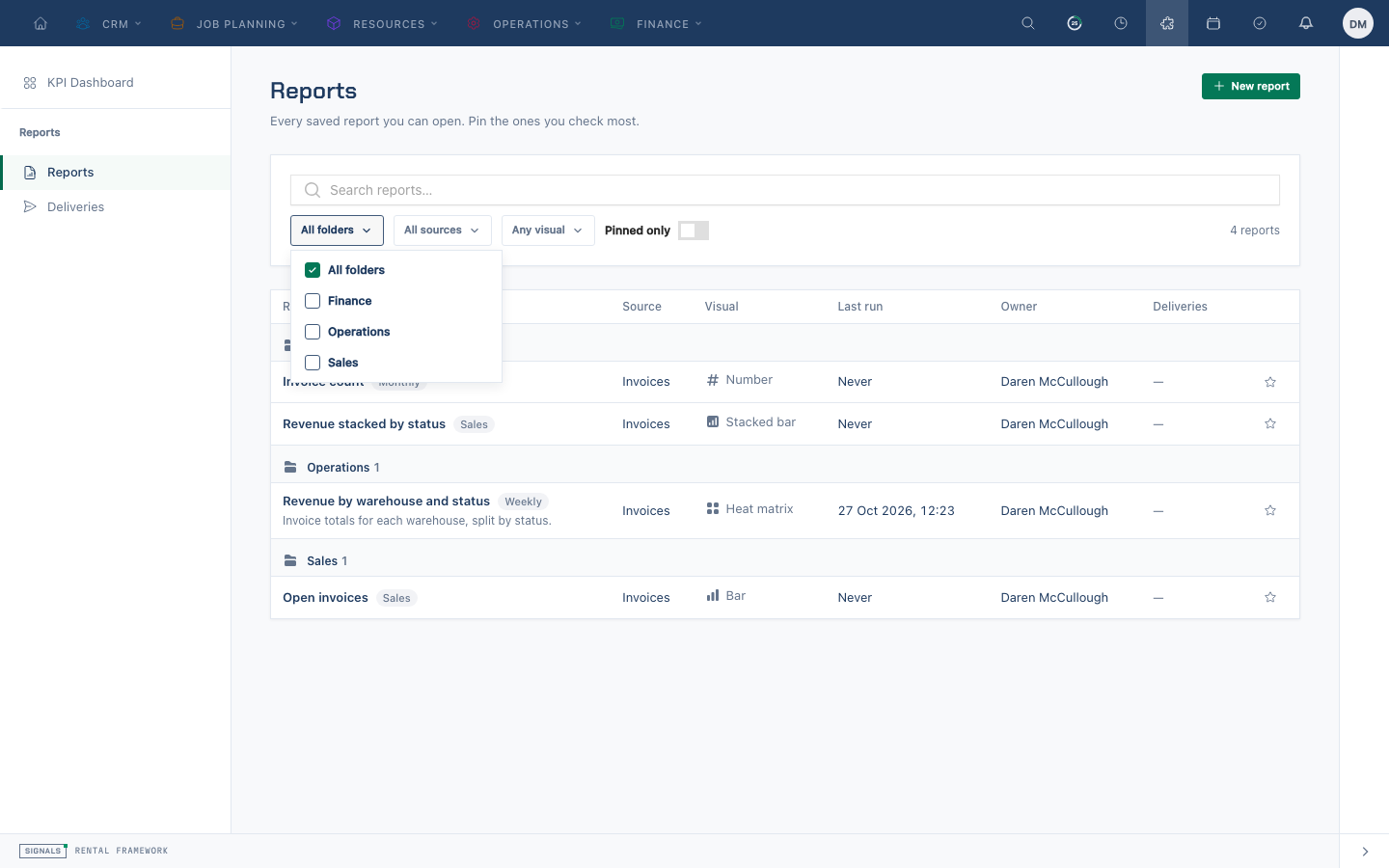
/reports/list. Reports are grouped by folder with category labels. Search by name, description, folder or category; filter by folder, source or visual, and pin reports you use often. - Choose Deliveries at
/reports/deliveriesto review scheduled report and board deliveries, their recipients and next or last run.
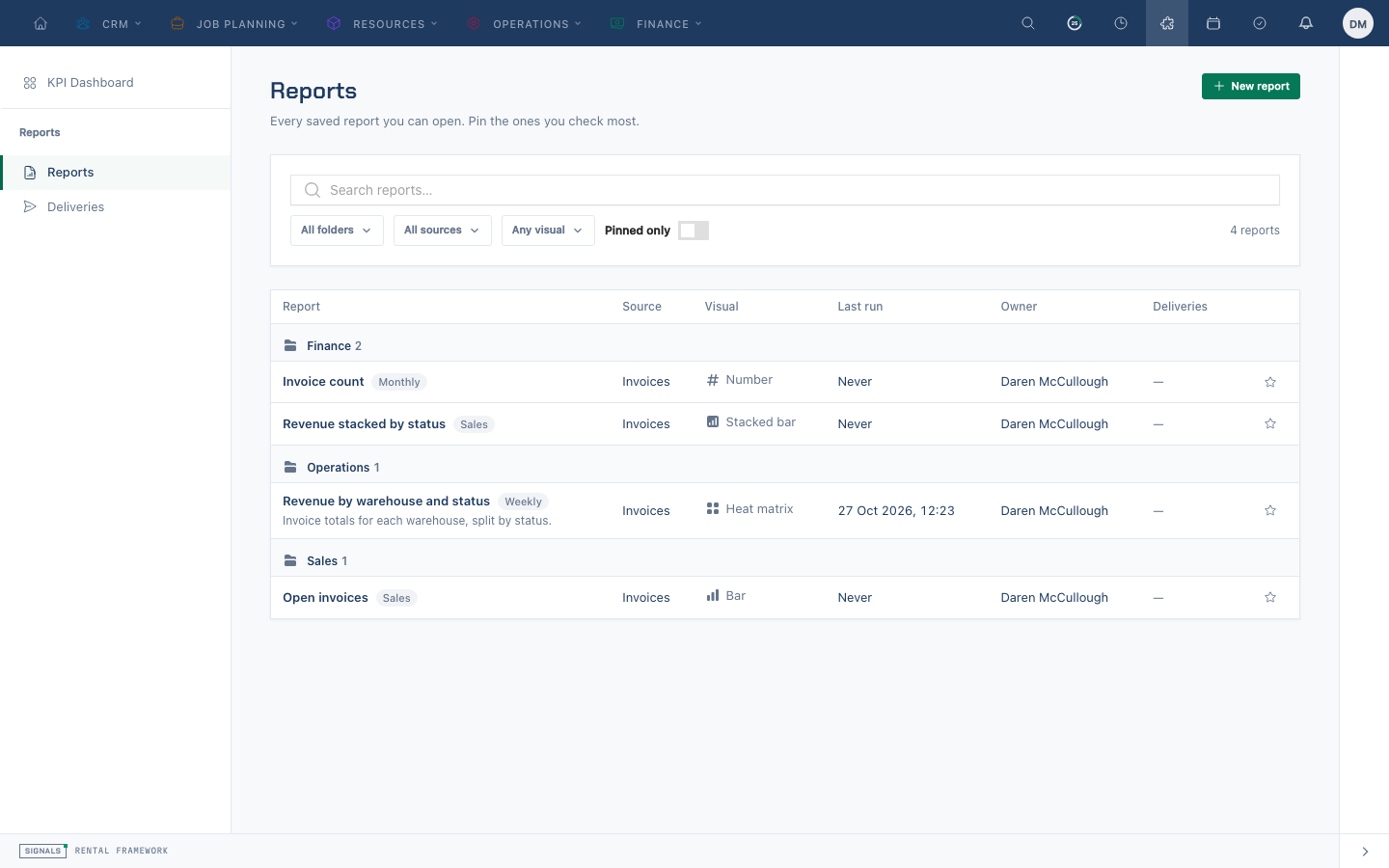
A shared definition is not shared data. Each person opens and runs a report with their own source and warehouse permissions. A public snapshot link is different: it contains the frozen result captured by its creator.
Related
| Reference | Use it for |
|---|---|
| Building a Report | Reading, editing and saving a report |
| Asking for a Report | Drafting from a question and reviewing the result |
| Sharing a Report | Deliveries and public snapshots |
| Reports | Reporting rules, administration and API |